The 2026 cold email deliverability checklist (SPF, DKIM, DMARC, warmup)
June 15, 2026 · 6 min read · by Ahmet Faruk Yilmaz, Founder of Asphia
TL;DR
Deliverability is not luck. SPF, DKIM, DMARC, warmed inboxes and one domain per brand are controls to validate alongside list quality, complaints and placement in your sender context.
Most cold email is affected by whether it reaches the inbox. We run cold email across five languages, and deliverability is one of the inputs worth measuring alongside copy and audience fit. SPF, DKIM, DMARC, warmup and sending practices can affect placement; measure the result before changing the message.
Here is the exact checklist we run before any campaign goes live.
Why deliverability is the whole game in 2026
In February 2024 Google and Yahoo started enforcing sender requirements for bulk mail. By 2026 that enforcement is the floor, not the ceiling. Microsoft tightened its own rules for high-volume senders. Unauthenticated mail may be rejected or filtered depending on provider requirements and sending context, so a prospect may never see the offer. Google’s Email sender guidelines and Microsoft’s Sender support documentation both publish the exact requirements.
Spam placement can reduce the number of prospects who see or engage with a message, but its pipeline effect depends on audience, offer, replies, and downstream conversion. Measure placement and qualified outcomes separately; no subject line fixes a domain that is not authenticated.
So we treat the technical setup as the product. Copy comes second.
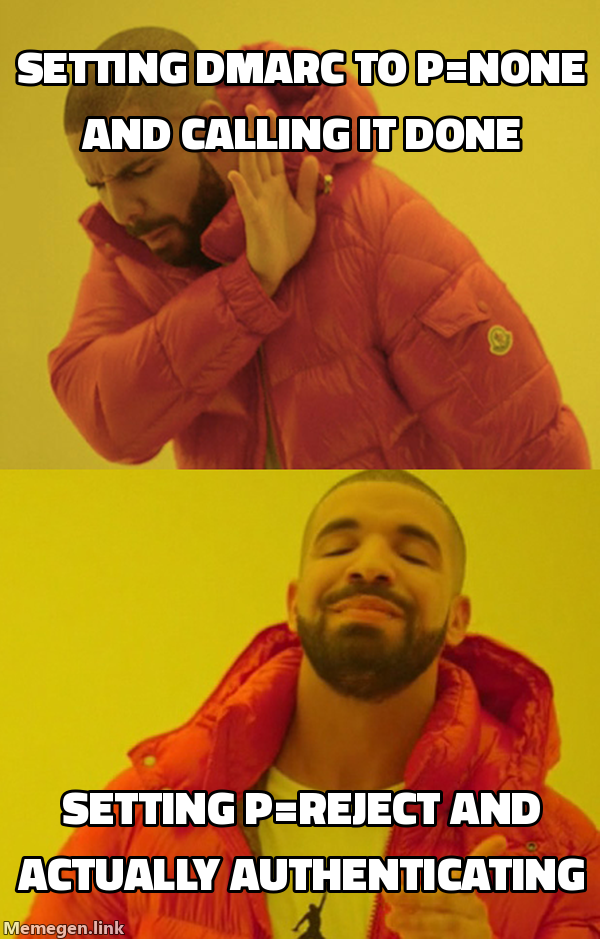 Setting p=none is not DMARC. It is just watching your domain get spoofed politely.
SPF, DKIM, DMARC explained in plain terms
These three records tell receiving servers that you are allowed to send on behalf of your domain. Skip one and you look like a spoofer.
| Record | What it proves | Where it lives | Common failure |
|---|---|---|---|
| SPF | Which servers may send for your domain | TXT record in DNS | More than 10 DNS lookups, record voided |
| DKIM | The message was not tampered with in transit | TXT record with a public key | Key not published for the sending platform |
| DMARC | What to do when SPF or DKIM fails | TXT record at _dmarc | Left at p=none, so nothing is enforced |
SPF: authorize your senders
SPF is a list of servers allowed to send for your domain. The trap is the 10-lookup limit. Every include: in your record counts, and chaining Google, your sending tool, and a few others blows past 10 fast. When that happens the record returns permerror and is treated as if it does not exist.
- Keep total DNS lookups under 10. Flatten if needed.
- Include only the platforms that actually send: your inbox provider and your sending tool.
- End the record with
~all(softfail) or-all(hardfail). We use-allon cold domains.
DKIM: sign every message
DKIM attaches a cryptographic signature so the receiver can verify the message was not altered. Most platforms generate a 2048-bit key and hand you the DNS record. Publish it. Then send a test and confirm the header shows dkim=pass.
- Use a 2048-bit key, not 1024.
- Publish the exact selector your platform gives you.
- Verify pass status in the raw headers, not just the platform dashboard.
DMARC: enforce the policy
DMARC ties SPF and DKIM together and tells receivers what to do on failure. Most senders set p=none and call it done. That tells the world to do nothing. It authenticates nothing in practice.
- Start at
p=nonefor one week only, to collect reports. - Move to
p=quarantine, then top=rejectonce your aligned pass rate is clean. - Add a
rua=address so you actually read the aggregate reports.
A DMARC record at p=reject with aligned SPF and DKIM is the 2026 baseline. Anything weaker is a guess.
The warmup protocol that actually works
A new inbox with zero history looks identical to a spam operation. Warmup builds a sending reputation slowly so the mailbox provider learns to trust you.
Here is the protocol we run on every new inbox:
- Weeks 1 to 2: enroll in an automated warmup network. Let it send and reply to a pool of real inboxes, building positive engagement signals.
- Week 3: begin light live sends, 5 to 10 per inbox per day, mixed with continued warmup traffic.
- Week 4: ramp to a steady ceiling. We cap at 30 to 40 cold sends per inbox per day and never push higher.
Rules we never break:
- One inbox, one job. Do not send 200 emails a day from one mailbox. Use more mailboxes instead.
- Keep warmup running underneath live campaigns at a reduced rate. Reputation decays if you stop.
- Watch the reply rate and spam-complaint rate per inbox. Pull any inbox that drifts.
Warmup is not a one-time event. It is a baseline load you keep running for the life of the inbox.
Domain and infrastructure rules
The technical records matter, but the architecture around them matters just as much. This is where most teams quietly burn their main domain.
Never send cold from your primary domain
A single wave of spam complaints can tank your primary domain reputation, and that domain also carries your invoices, your contracts, and your team’s real mail. We never risk it.
- Buy separate sending domains. Lookalikes of your brand work well, for example getbrand.com or trybrand.io.
- Redirect each sending domain to your real site with a 301, so clicks resolve cleanly.
- Spread volume across multiple domains and multiple inboxes per domain.
Keep the technical hygiene tight
- Set up a custom tracking domain. The shared default tracking domain from your tool is shared with every other spammer on it.
- Add an MX record and a reverse DNS entry so the domain looks like a real mailbox, not a throwaway.
- Add a simple website and a few real pages. An empty domain is a red flag.
Match infrastructure to volume
If you need 1,000 sends a day, you do not need one heroic mailbox. You need roughly 25 to 35 inboxes at 30 to 40 sends each, spread across several domains. This is the part most founders underbuy. The infrastructure cost is small compared to the pipeline you lose to spam folders.
The tools we actually run
We are tool-agnostic, but here is the stack we trust in 2026.
- Sending and warmup: Smartlead and Instantly both handle inbox rotation and automated warmup well. Manyreach and Sendkit cover the campaign and sequence layer.
- Data and enrichment: Apollo for raw data, Clay enrichment for enrichment and verification before a single send.
- Verification: always verify every list before sending. A 5% bounce rate is the line. Cross it and providers throttle you.
The principle behind the stack: verify the list, authenticate the domain, warm the inbox, then send. In that order. Every campaign, no exceptions.
The 60-second pre-send checklist
Run this before any campaign goes live. If any line fails, do not send.
- SPF record present, under 10 lookups, ends in
-allor~all. - DKIM published with a 2048-bit key, headers show
dkim=pass. - DMARC at
p=rejectorp=quarantinewith arua=reporting address. - Sending domain is separate from your primary domain, with a 301 redirect.
- Custom tracking domain configured, not the shared default.
- Every inbox warmed for at least 3 weeks, capped at 30 to 40 sends per day.
- List verified, bounce rate projected under 5%.
Authentication and warmup are not the boring part of cold email. They are the part that decides whether anyone ever reads your offer. If you want this infrastructure built and managed for you, our done-for-you cold email service handles every layer from domain setup to warmup to rotation.
Request the signal tier list.
A practical view of how we rank observable signals before outreach. We review each request for fit and may reply by email; delivery is not automatic.
By submitting, you agree to processing described in our Privacy Policy.
Your request was submitted. If it is a fit, we may follow up by email.
One more step: send the prepared request to faruk@asphia.consulting
FAQ
Do I need SPF, DKIM, and DMARC for cold email in 2026?
Yes. Google and Microsoft now reject or spam unauthenticated bulk mail, so all three are required, not optional.
How long does inbox warmup take before I can send cold email?
Plan for 3 to 4 weeks of warmup before live sends, then validate a gradual ramp against your mailbox, audience, complaints and placement data.
Should I send cold email from my main company domain?
Consider separate sending domains to isolate some operational risk, but they do not guarantee protection for your primary domain reputation. Review the setup and applicable policies before sending.
How many cold emails can I safely send per inbox per day?
Treat 30 to 40 cold sends per day as a test ceiling, not a universal safety limit. Validate complaint and placement signals before changing volume; if you need more, add capacity only after reviewing provider rules and domain context.
What does DMARC p=reject actually do for cold email senders?
It tells receiving servers how to handle messages that fail SPF or DKIM alignment, supporting anti-spoofing controls for your domain. It does not guarantee that spoofing stops or that Gmail and Microsoft will improve your sender reputation; monitor alignment, reports, complaints, and placement in your own context.
How do I know if my cold email is landing in spam instead of the inbox?
Send test messages to seed accounts at Gmail, Outlook, and Google Workspace using a tool like GlockApps or MailReach, then check placement before each campaign. Also monitor reply rate: a sudden drop with no copy change may indicate deliverability, but check audience, timing, volume, tracking and offer changes before assigning the cause.

Ahmet Faruk Yilmaz
Founder of Asphia. He builds and runs signal-based B2B outbound engines for lean teams, and writes about cold email, Clay, deliverability, and GTM engineering.
Want this run for you?
Explore our B2B outbound and GTM engineering services, then request the planning framework to scope your next campaign.
Request the planning framework →